Site App
Sign off the stage from the plot, not the cabin.
Log progress, photos and sign-offs from the plot, even with no signal.

 Stage 4 signed offToday, 09:42
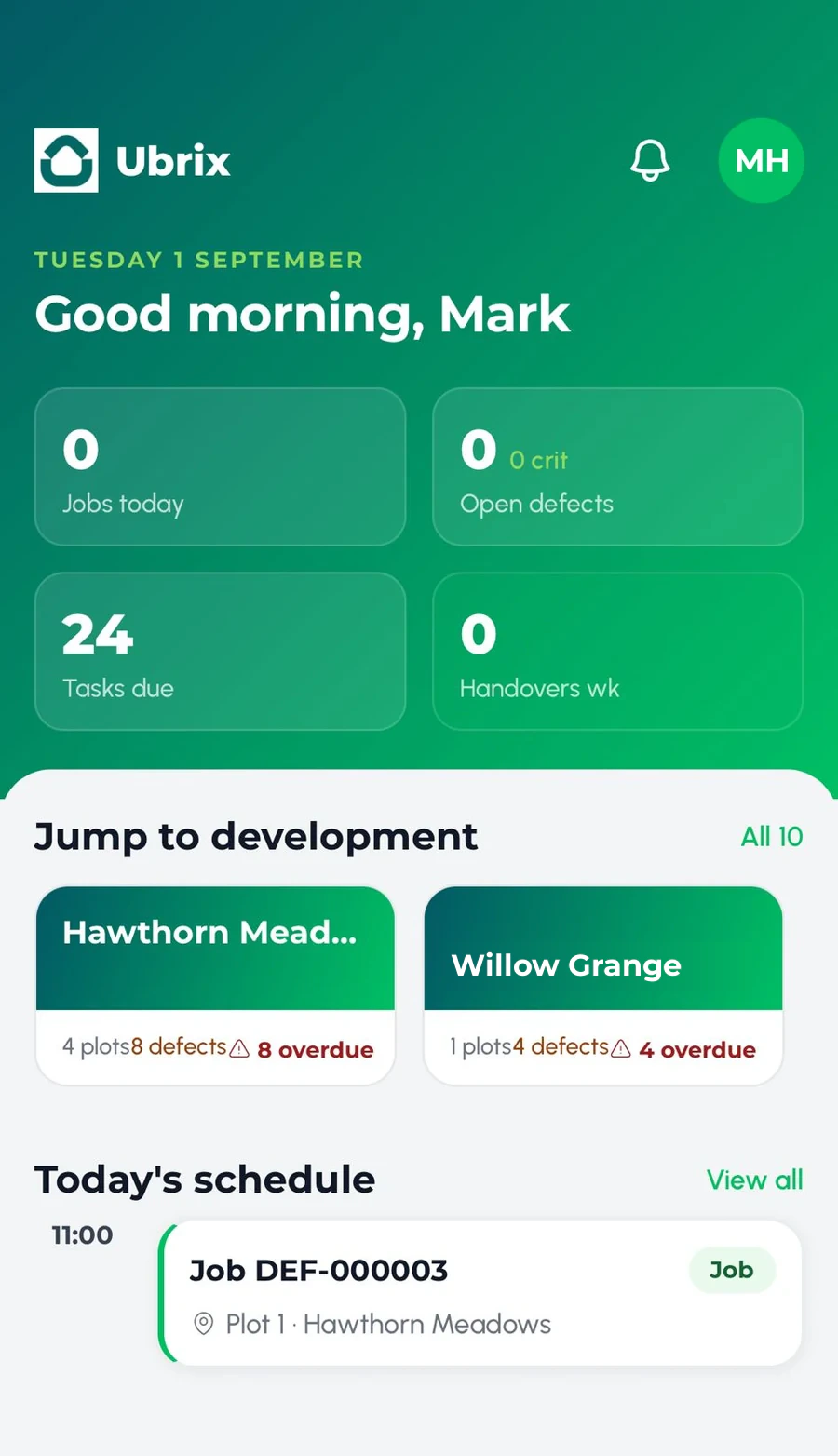
 The Ubrix Site App lets site managers log progress, take photos, complete forms and sign off stages from the plot itself. Every entry is GPS-stamped and saved to the plot record, and it carries on working when the signal drops.
-
Done at the plot
Progress, photos and forms captured where the work is.
-
Works offline
No signal, no problem. It syncs when you are back in range.
-
Head office in the loop
The same picture, without the calls.
How it works
-
Walk the plot
Open it in the app, signal or not.
-
Capture it
Photos, forms and progress, GPS-stamped.
-
Sign it off
The stage is signed off with your name on it.
Questions
Questions people ask
Built for site managers, assistant site managers and quality managers.
Does the Site App work without signal?
Yes. It works offline and syncs as soon as the phone reconnects.
Is it a native app?
Yes. The Site App is a native app for iPhone and Android.
Can we use our own forms?
Yes. Build them with Smart Forms and they appear in the app.
You might also like
All features- Sign-offs and Compliance Sign-offs and evidence held against every plot, ready whenever anyone asks.
- Smart FormsAI Describe the inspection you need and the form builds itself, or start from a template.
- Contractor Hub and App Jobs arrive in the contractor's app and are closed out on site with photos.
Last updated:
let's have a proper look.
Thirty minutes looking at Ubrix through your own developments, or a quick chat first if you'd rather.
Prefer the phone? 0191 716 6373 info@ubrix.co.uk